

View another area of an image
 Do
one of the following:
Do
one of the following:-
Use the window scroll bars.
-
Select the Hand tool and drag to pan over the image.
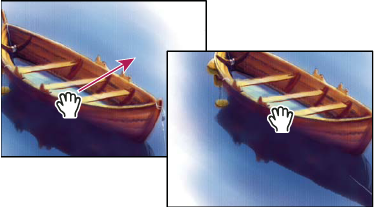 Dragging the Hand tool to view another area of an image
-
Drag the colored box (proxy view area) in the Navigator palette.
 To use the Hand tool while another tool
is selected, hold down the spacebar as you drag in the image.
To use the Hand tool while another tool
is selected, hold down the spacebar as you drag in the image.